

ADMCC CCTV Inspection Checklist Abu Dhabi: Practical Preparation Guide
Preparing Your CCTV System for Inspection in Abu Dhabi
This ADMCC CCTV inspection preparation checklist helps Abu Dhabi businesses organize system checks and handover records before an inspection. Begin by confirming the current requirements for your facility and approved project scope with the relevant authority and your qualified installer. This is a practical preparation guide, not an official inspection checklist or a guarantee of approval. Requirements can differ by facility type and project. Use the applicable authority documents and approved design when selecting equipment, configuring recording, and preparing your submission.
Why the ADMCC CCTV Inspection is Critical
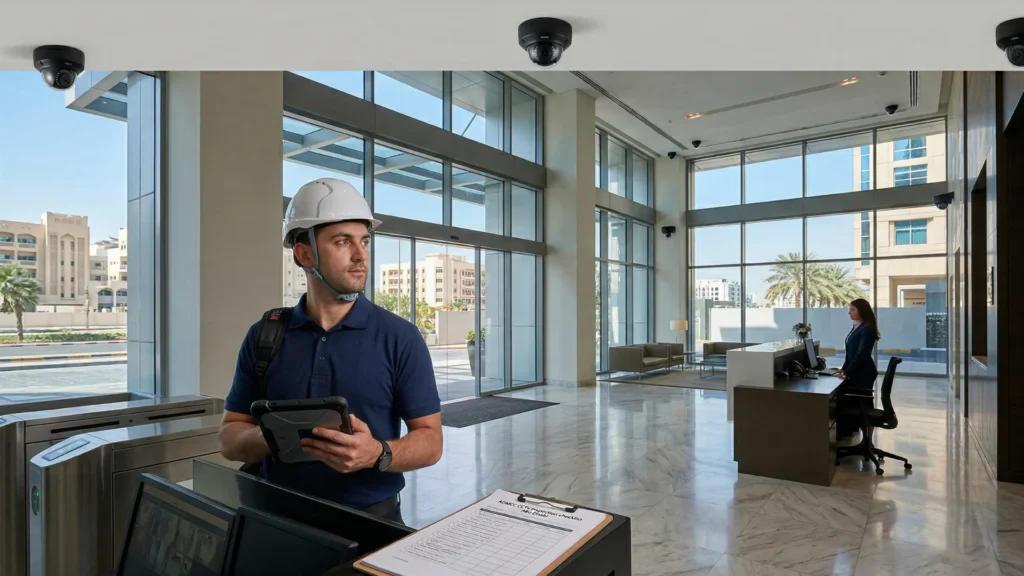
Preparation helps identify gaps between the installed CCTV system, the approved design, and the applicable requirements before handover. Confirm the inspection process and required records for your project with the responsible authority.
For Mussafah industrial developments, section 2.26 of the Abu Dhabi Quality and Conformity Council guideline ADG 15/2017 directs CCTV requirements to the Monitoring and Control Centre. This is a scope-specific reference, not a universal 2026 inspection specification.
Step 1: Verify Hardware Compliance
Create an equipment schedule with camera and recorder model numbers, quantities, firmware versions, and relevant approval documentation. Check it against the approved design and current requirements for your project.
Approved Manufacturer List
Ask your installer to confirm the eligibility of the exact equipment models for your Abu Dhabi project before procurement. A manufacturer name alone is not sufficient evidence. Do not use a Dubai SIRA equipment list as proof of Abu Dhabi approval. Keep model datasheets and project-specific acceptance records with your handover documents.
Camera Resolution and Frame Rates
Verify resolution, frame rate, image quality, and recording settings against your approved design and applicable technical requirements. Test live and recorded images in actual site lighting, including entrances with strong backlighting. Select wide dynamic range and low-light performance where the scene requires them; do not assume a single resolution or frame rate applies to every facility.
Step 2: Strategic Camera Placement
Check each camera view against the approved coverage plan. Review blind spots, obstructions, lighting changes, and privacy boundaries with your installer.
Essential Coverage Zones
Review entrances and exits, circulation routes, and transaction areas where they are included in the project scope. Confirm that each view provides the level of detail specified in the design. Avoid unnecessary coverage of private areas or neighbouring properties.
Step 3: Storage and Data Retention Rules
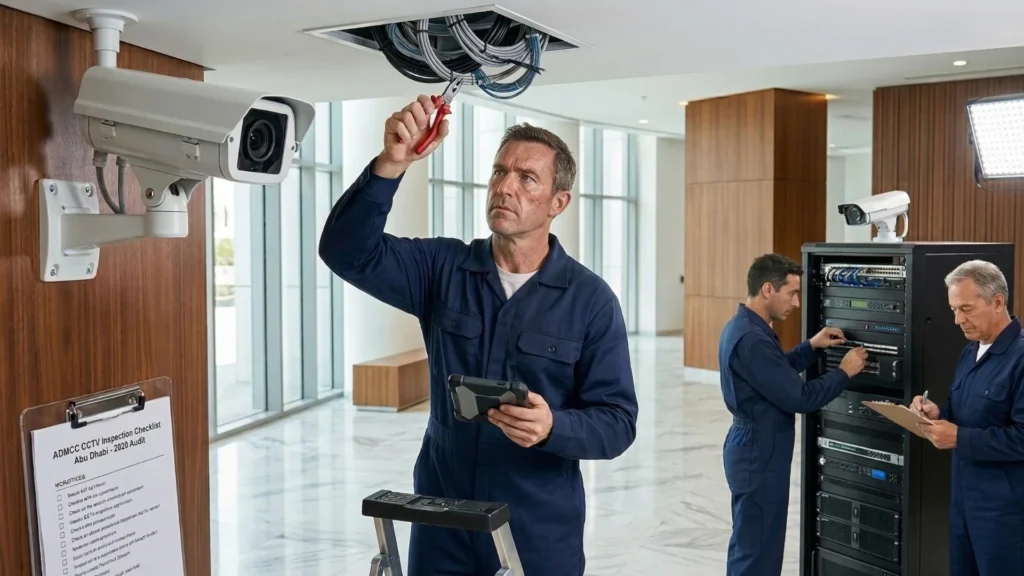
Review storage capacity and recording reliability before handover. Confirm the retention period and recording profile that apply to your facility, then test retrieval and export of recorded footage.
Confirm the Required Retention Period
Obtain the applicable retention requirement from the current authority documents and approved project design. Record the requirement in the handover file and verify that the installed recorder can meet it at the configured resolution, frame rate, compression, and recording schedule. Do not assume one retention period applies to all buildings.
Fail-Safe Redundancy
Calculate usable storage from the number of cameras, actual bitrates, recording schedule, and required retention period. Include the capacity and redundancy allowance specified by the project design, and test recorder health and fault alerts. A fixed percentage of spare capacity is not a substitute for a documented calculation.
Step 4: Maintenance and Documentation
Prepare a handover file that matches the installed system. Confirm the documents required for your facility before arranging an inspection.
Annual Maintenance Contract (AMC)
Confirm whether an annual maintenance contract is required for your facility and approval process. Where applicable, retain the signed contract, provider details, maintenance schedule, and service records. Define responsibility for cleaning, camera alignment, recorder checks, software updates, and fault response.
As-Built Drawings
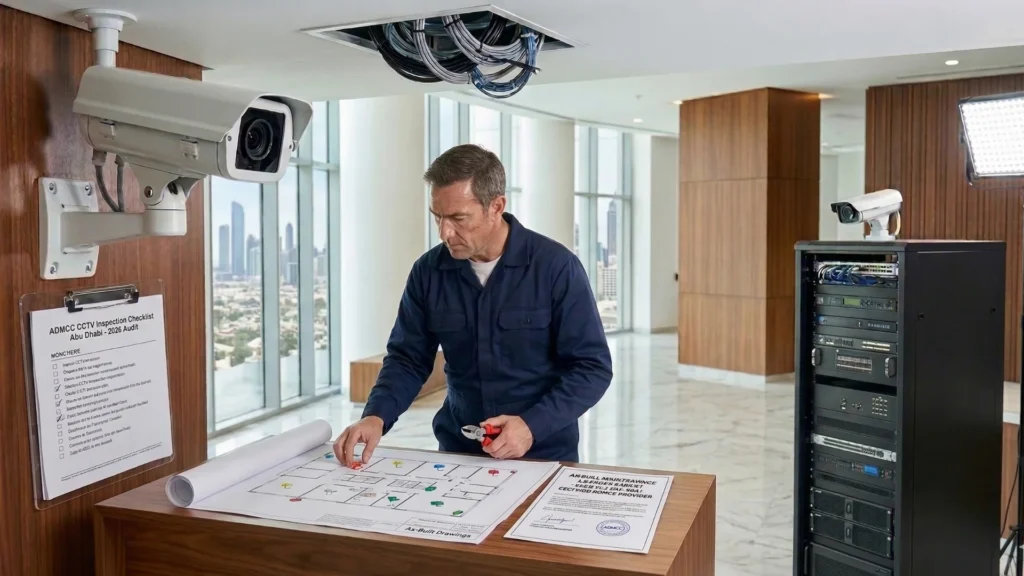
Keep as-built drawings aligned with the installation, including camera identifiers and locations, recording equipment, and relevant network connections. Prepare the equipment schedule, test results, configuration records, and required approval documents in the format requested for the project.
Pre-Inspection Preparation Checklist
Before arranging the inspection, review these items with your installer:
- Applicable authority requirements and approved drawings are available.
- Equipment models and configuration match the approved project scope.
- Camera coverage, image quality, and privacy boundaries have been checked.
- Required recording retention, usable storage, playback, and export have been tested.
- Power protection and fault monitoring match the design.
- As-built drawings, test records, and any required maintenance contract are ready.
Conclusion
Use this checklist to organize preparation and identify questions for your installer before handover. Final acceptance is determined by the responsible authority and the requirements that apply to your project.
MYB Advanced Technology Systems can help review your CCTV coverage, recording configuration, and handover documentation. To arrange a site survey, call MYB on 0508355255 or contact our team.